Best AI Coding Assistants in 2026: 6 Tools for Developers
The best AI coding tools for developers. Compare Cursor, GitHub Copilot, Codex, Bolt, Lovable, and Replit for faster development.
Short answer
The best AI coding assistants in 2026 are Cursor ($20/mo), an AI-native IDE with full codebase awareness and an agent mode, and GitHub Copilot ($10/mo), the most affordable inline completion tool that works inside your existing IDE. OpenAI's Codex handles autonomous coding tasks in cloud sandboxes, while Bolt and Lovable generate full-stack web apps from text prompts.
AI coding assistants have become essential developer tools. They write code, debug issues, explain codebases, and even build full applications. Here are the six best AI coding tools for 2026, evaluated on real-world development criteria.
Quick Comparison
| Tool | Best For | Starting Price | Key Feature |
|---|---|---|---|
| Cursor | Full IDE with AI | $20/mo | AI-native code editor |
| GitHub Copilot | Inline code completion | $10/mo | IDE integration |
| Codex | Cloud coding agent | Included with ChatGPT Plus/Pro | Autonomous code tasks |
| Bolt | Full-stack web apps | $20/mo | Prompt-to-app generation |
| Lovable | Non-coder app building | $25/mo | Visual app builder + AI |
| Replit | Browser-based coding | $25/mo | IDE + hosting + AI |
1. Cursor — Best AI-Native IDE
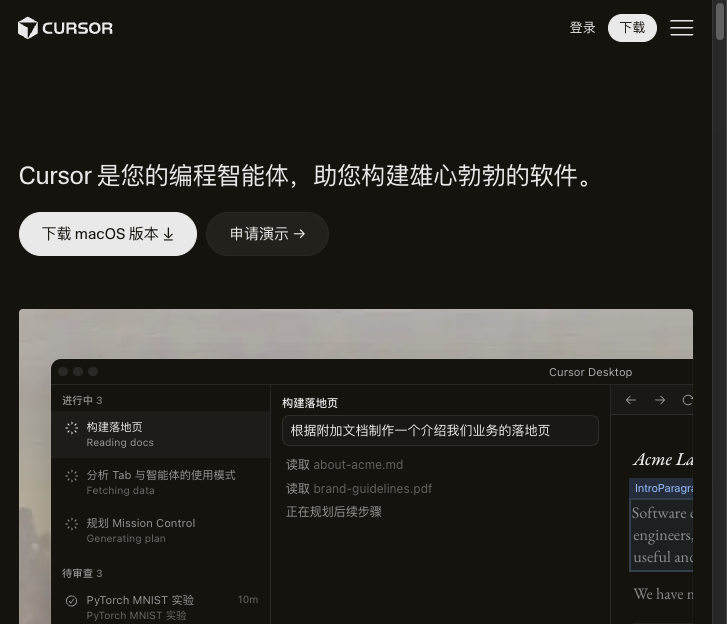
Cursor is VS Code reimagined with AI at its core. It offers inline code generation, codebase-aware chat, multi-file editing, and an agent mode that can execute complex refactoring tasks. The Composer feature lets you describe changes in natural language and applies them across multiple files. It's the top choice for professional developers.
2. GitHub Copilot — Best Inline Assistant
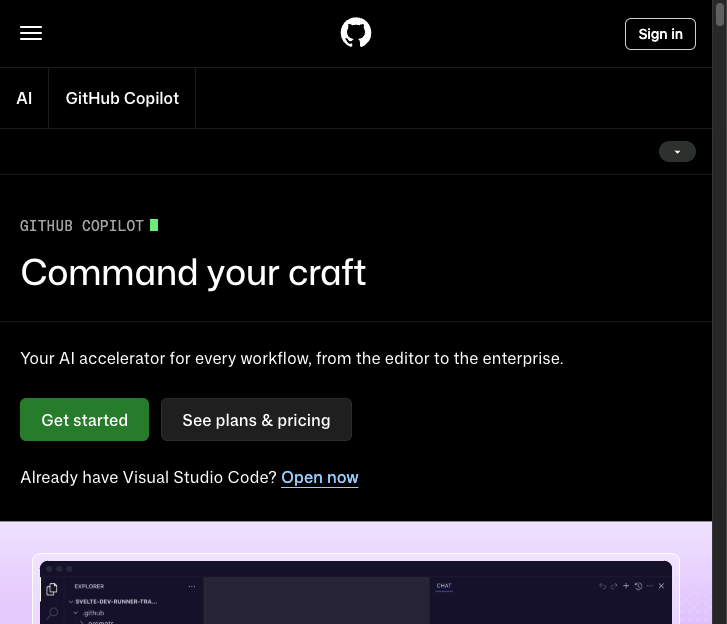
GitHub Copilot works inside your existing IDE (VS Code, JetBrains, Neovim). It excels at inline code completion — type a comment or function name, and it suggests the implementation. The Copilot Chat feature adds conversational AI for debugging and code explanation. At $10/mo, it's the most affordable AI coding assistant.
3. Codex — Best Cloud Coding Agent
OpenAI's Codex runs in sandboxed cloud environments and can autonomously write, test, and debug code. Give it a task description and it works through the problem step by step, running tests and fixing issues. Available with ChatGPT Plus and Pro, it's ideal for delegating coding tasks while you focus on architecture and design.
4. Bolt & Lovable — Best No-Code/Low-Code Builders
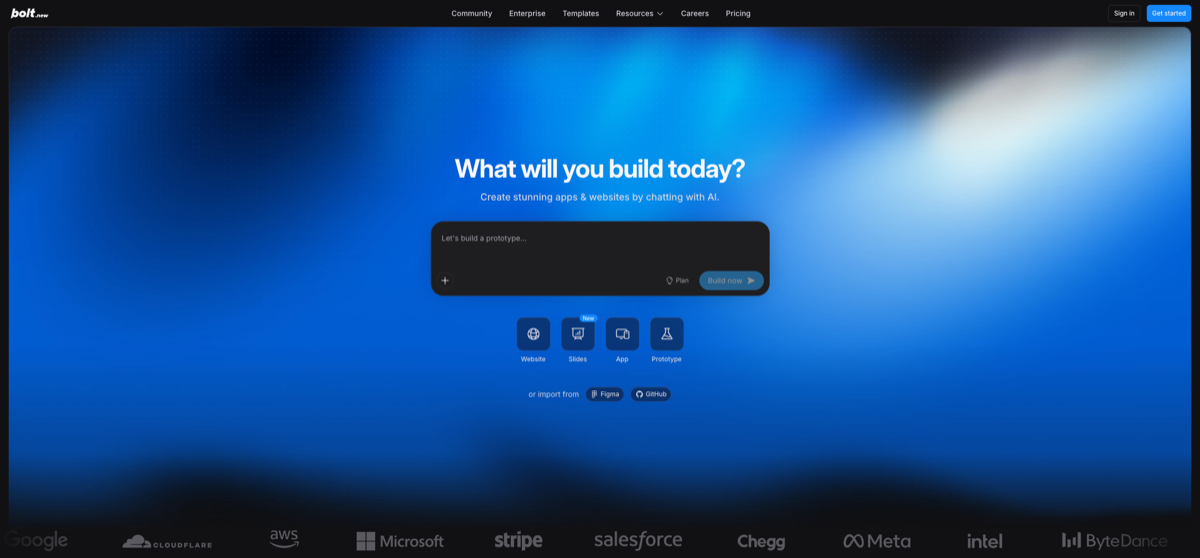
Bolt generates full-stack web applications from text prompts — describe your app and get a working prototype in minutes. Lovable adds a visual editor on top, making it accessible to non-developers. Both are transforming how startups prototype and MVP. For production apps, you'll still want to review and customize the generated code.
How to Choose
Decision guide:
- Professional developer → Cursor or GitHub Copilot
- Delegate coding tasks → Codex
- Build web apps without coding → Bolt or Lovable
- Learn to code → Replit (browser-based, AI-assisted)
- Budget-conscious → GitHub Copilot ($10/mo)
FAQ
- Will AI replace software developers?
- No — AI coding tools make developers significantly more productive. Developers become more productive, not obsolete.
- Which tool is best for beginners?
- Replit for learning, Lovable for building without code, GitHub Copilot for learning while coding.
Related Tools
Related Articles
Get the AI tools newsletter
Weekly picks: new tools, comparisons and buying notes. No spam, unsubscribe anytime.