Best AI Email Assistants in 2026
AI tools that draft, reply, and manage your inbox. Write professional emails in seconds and never miss an important message.

Short answer
Microsoft Copilot ($20/mo) is the best AI email assistant for Outlook users thanks to native integration that drafts replies from thread context and summarizes long chains; ChatGPT (free / $20/mo) is best for drafting difficult emails from scratch. Grammarly (free / $12/mo) polishes tone and clarity in Gmail and Outlook via browser extension, while Jasper (from $59/seat/mo, billed annually) is purpose-built for marketing campaigns with its Brand Voice feature. Since professionals spend a large share of their workday on email, AI assistants can cut that time significantly.
Professionals spend a large share of their workday on email. AI email assistants can cut that time significantly by drafting replies, summarizing threads, and prioritizing your inbox. Here are the best AI email tools for 2026.
Quick Comparison
| Tool | Best For | Price | Integration |
|---|---|---|---|
| Copilot | Outlook users | $20/mo | Native Outlook integration |
| ChatGPT | Drafting & templates | Free / $20/mo | Copy-paste workflow |
| Grammarly | Email tone & clarity | Free / $12/mo | Browser extension |
| Jasper | Marketing emails | From $59/seat/mo | Campaign templates |
1. Copilot — Best for Outlook Users
Microsoft Copilot lives inside Outlook and works seamlessly with your existing email. It drafts replies based on thread context, summarizes long email chains, and highlights action items. If you use Outlook for work, nothing beats native AI integration.
2. ChatGPT — Best for Email Drafting
ChatGPT excels at drafting emails from scratch. Describe the situation — "follow up on a proposal, friendly but professional tone" — and get a polished draft in seconds. It's especially useful for difficult emails: negotiations, rejections, or sensitive topics.
3. Grammarly — Best for Email Polish
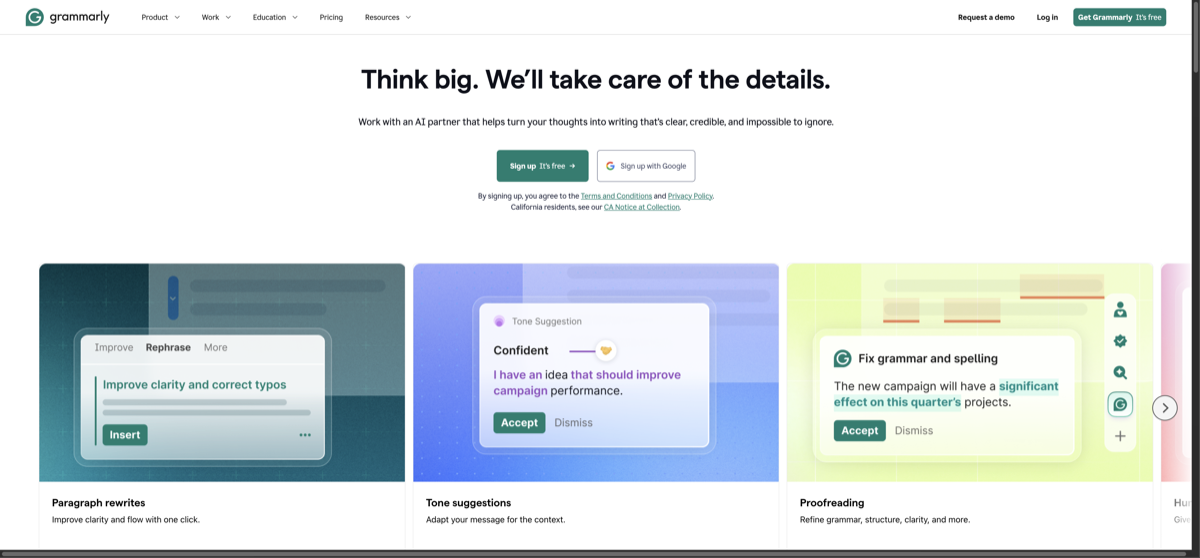
Grammarly's browser extension works in Gmail, Outlook, and most web email clients. It catches grammar errors, suggests clearer phrasing, and adjusts tone in real time. Premium features include full-rewrite suggestions and tone detection.
4. Jasper — Best for Marketing Emails
Jasper is purpose-built for marketing email campaigns. Generate welcome sequences, abandoned cart emails, promotional blasts, and newsletter content. Its Brand Voice feature ensures all emails match your company's tone and style.
AI email use cases:
- Drafting professional replies in seconds
- Summarizing long email threads
- Writing cold outreach and follow-ups
- Creating email marketing campaigns
- Translating emails for international contacts
FAQ
- Can AI write emails for me automatically?
- Copilot in Outlook can draft suggested replies. ChatGPT drafts require review. Full automation is possible but risky — always review AI-drafted emails before sending.
- Is it unprofessional to use AI for emails?
- Using AI to draft emails is like using a spell checker — it's a tool. Review and personalize every draft before sending.
Related Tools

Related Articles
Get the AI tools newsletter
Weekly picks: new tools, comparisons and buying notes. No spam, unsubscribe anytime.