Best AI Tools for Startups: A Lean Four-Tool Stack
A startup stack chosen on cost per seat and speed to first output, with the point at which each free tier stops being enough.


Short answer
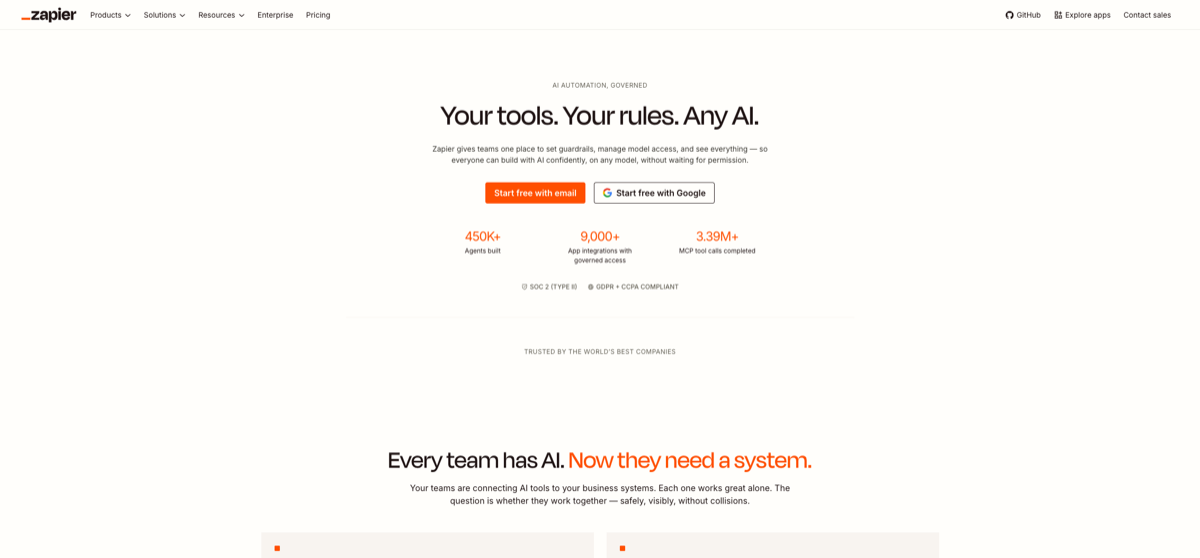
A four-person startup can start on free tiers and reach a genuinely productive stack for about $50/mo: ChatGPT for drafting and analysis (free, or $20/mo Plus), Canva for every visual the company needs (free, or $144/yr Pro for the whole account), Notion AI for the document base (free, with full AI on the Business tier at $20/user/mo billed annually), and Zapier to remove the manual steps between them (free, Pro from $19.99/mo). Start free and add a tier only when a specific job is blocked. The two traps are annual commitments you sign before you have the revenue — Notion AI's full AI tier is billed annually — and automation priced per task, which gets expensive quietly.
A startup buys AI on two criteria that mature companies do not have: cash per seat, and how fast a new hire can produce something with it. Both point at free tiers first, and both mean the trap is a commitment rather than a subscription. This is the smallest stack that covers the four jobs a small team actually has; our small-business audience page covers the wider version.
ChatGPT is the general-purpose first purchase and the only one most four-person teams pay for at the start — free covers a trial, Plus at $20/mo covers real work. Canva handles everything visual, and its account-level Pro at $144/yr is worth noting because it is not per seat: a team of four shares one subscription rather than paying four times. Notion AI is where the company's own documents accumulate, which becomes valuable once there are enough of them to lose track of; full AI needs the Business tier at $20/user/mo billed annually, so it is a yearly commitment rather than a monthly experiment. Zapier is the glue, free to start with Pro from $19.99/mo, and it is the tool you add last because it needs a process to exist before it can automate it.
| Tool | Entry price | Billing basis | Before you commit |
|---|---|---|---|
| ChatGPT | Free / $20/mo Plus | Per seat, monthly | Free tier limits models and usage |
| Canva | Free / $144/yr Pro | Per account, not per seat | Advanced AI and exports depend on plan |
| Notion AI | $20/user/mo Business (annual) | Per seat, annual | Full AI starts at Business; Plus is a trial |
| Zapier | Free / from $19.99/mo Pro | Per task executed | Task pricing rises with volume |
Two traps worth naming before you buy anything. First, annual billing hides in the lowest tier that includes full AI: Notion AI's full AI takes the Business tier at $20/user/mo billed annually, so a four-person team commits four seats for a year. Second, task-priced automation punishes loops and polling, so a Zapier workflow that checks every minute costs far more than one that fires on an event — and the difference does not show up until the invoice. A third, quieter one: free tiers are often the thing that blocks a specific job mid-sprint, and that is the moment to pay, not before.
The order that works:
- One paid assistant, for the drafting and analysis everyone does daily
- The shared visual account, because one subscription covers the whole team
- The document base, once the team has enough documents to search
- Automation last, and only for a process that already runs reliably by hand
Frequently asked questions
- What is the cheapest useful AI stack for a startup?
- Free tiers of all four will run for a while. The first paid upgrade worth making is usually a general assistant at $20/mo, and a four-person team can reach about $50/mo total after that.
- Which AI tools should a startup pay for first?
- The assistant, because drafting and analysis are the most frequent tasks. Add the visual account second if you are producing marketing material, and leave automation until a manual process is stable.
- Is Notion AI worth it for a small team?
- Once you have enough documents that people lose time searching, yes. Note that full AI takes the Business tier at $20/user/mo billed annually, so it is a year-long commitment for the whole team.
- How do I avoid automation costs getting out of control?
- Prefer event-triggered workflows over polling, and check how your plan counts a task. Loops and retries are usually billed, so a workflow that looks cheap can scale badly.
Related Tools
Related Articles
Get the AI tools newsletter
Weekly picks: new tools, comparisons and buying notes. No spam, unsubscribe anytime.