How to Use AI for Video Creation in Minutes (2026)
Create professional videos with AI — from script to final edit. No camera, crew, or editing skills required.

Short answer
To make professional videos with AI, pick a tool by use case: Synthesia ($29/mo) for AI avatar presenter videos supporting 140+ languages, HeyGen ($24/mo) for marketing and social media videos, Descript ($24/mo) to edit existing video like a text document, Runway ($15/mo) for cinematic AI-generated clips, and Pika (free/$8/mo) for short social clips. A typical workflow: write your script with ChatGPT or Claude, generate the video (most tools produce output in 5-15 minutes), edit in Descript, then export and publish.
AI video tools have reached a tipping point. You can now create professional-quality videos without cameras, actors, or editing skills. From AI avatars that present your script to tools that generate entire scenes from text, video creation has never been more accessible.
AI Video Tools Compared
| Tool | Best For | Price | Output Type |
|---|---|---|---|
| Synthesia | Corporate training & presentations | $29/mo | AI avatar videos |
| HeyGen | Marketing & social media | $24/mo | AI avatar videos |
| Descript | Editing existing video | $24/mo | Text-based video editing |
| Runway | Creative & cinematic | $15/mo | AI-generated video clips |
| Pika | Short social clips | Free/$8/mo | Text-to-video clips |
Best for Business Videos: Synthesia
Synthesia creates professional presenter videos using AI avatars. Write your script, choose an avatar (or create a custom one), and get a polished video in minutes. It supports 140+ languages and is used by thousands of companies for training, onboarding, and marketing content.
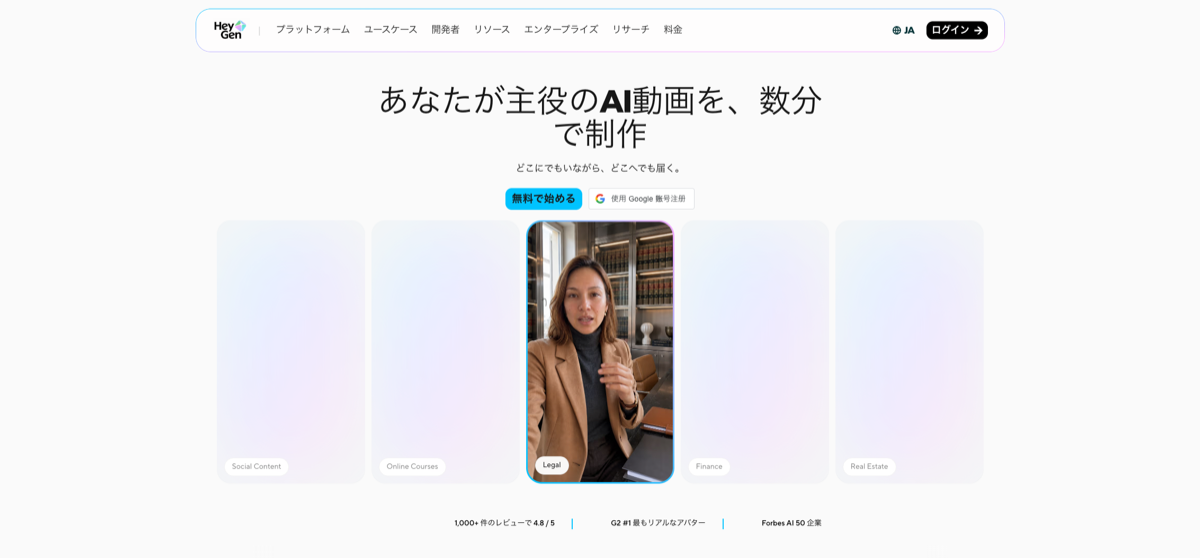
Best for Marketing: HeyGen
HeyGen specializes in marketing and social media videos. Its AI avatars look natural and can lip-sync in multiple languages. Upload a photo to create a digital twin of yourself. Great for personalized outreach videos at scale.
Best for Editing: Descript
Descript lets you edit video like a text document. It transcribes your video, and you edit by deleting words from the transcript — the video updates automatically. Features include filler word removal, eye contact correction, and studio-quality audio enhancement.
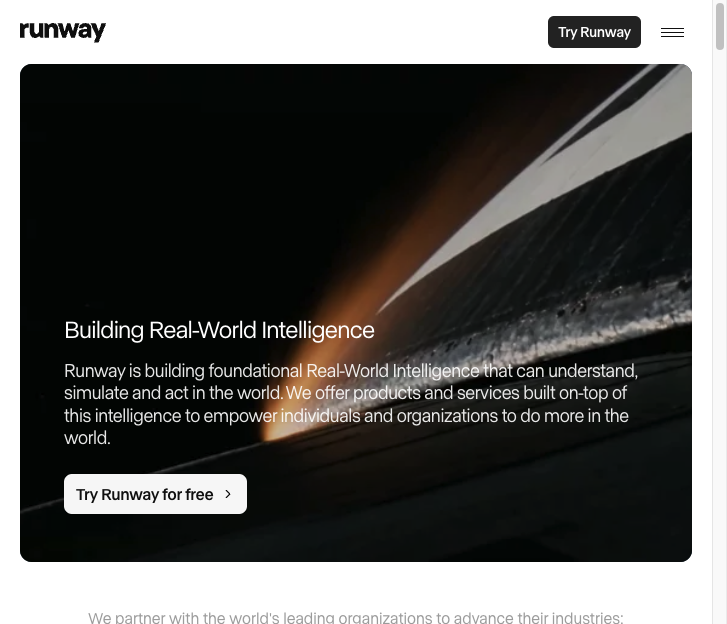
Best for Creative: Runway
Runway pushes the boundaries of AI video. Generate cinematic clips from text descriptions, extend existing footage, remove objects, and create visual effects. It's the tool of choice for filmmakers and creative professionals exploring AI video.
AI Video Creation Workflow
Step-by-step process:
- Write your script with ChatGPT or Claude
- Choose your tool: Synthesia/HeyGen for presenter video, Runway for creative clips
- Generate the video — most tools produce output in 5-15 minutes
- Edit with Descript — trim, add captions, enhance audio
- Export and publish to your platform of choice
FAQ
- Can AI create entire videos from scratch?
- Yes. Synthesia and HeyGen create full presenter videos from text scripts. Runway generates video clips from descriptions. Combined, you can produce complete videos without a camera.
- Do AI-generated videos look real?
- Avatar videos are impressively realistic but viewers can usually tell they're AI. AI-generated clips are best for b-roll, social media, and creative projects rather than replacing filmed footage.
Related Tools
Related Articles
Get the AI tools newsletter
Weekly picks: new tools, comparisons and buying notes. No spam, unsubscribe anytime.