Best Open Source AI Tools in 2026: Free, Powerful, and Private
The best open source AI tools you can run locally. Free, private, and surprisingly capable alternatives to paid AI services.
Short answer
The best open source AI tools in 2026 are Ollama for running Llama 3, Mistral, and Phi locally with one command (needs 8GB+ RAM), Stable Diffusion plus ComfyUI for free image generation rivaling Midjourney (8GB+ VRAM GPU), Whisper for local speech-to-text in 100+ languages, LangChain for building RAG systems and AI agents, and Open WebUI for a private ChatGPT-like interface. All run on your own hardware for free, with complete privacy and no API costs.
Open source AI tools have exploded in quality and capability. You can now run powerful AI models on your own hardware — for free, with complete privacy. From image generation to language models, the open source ecosystem rivals commercial offerings.
Open Source AI Tools Compared
| Tool | Category | What It Does | Hardware Needed |
|---|---|---|---|
| Ollama | LLM Runner | Run Llama, Mistral, etc. locally | 8GB+ RAM |
| Stable Diffusion | Image Generation | Create images from text | 8GB+ VRAM GPU |
| ComfyUI | Image Workflow | Node-based Stable Diffusion UI | 8GB+ VRAM GPU |
| Whisper | Speech-to-Text | Transcribe audio accurately | CPU works, GPU faster |
| LangChain | AI Framework | Build AI-powered applications | Any computer |
| Open WebUI | Chat Interface | ChatGPT-like UI for local models | 8GB+ RAM |
Best for Running LLMs: Ollama
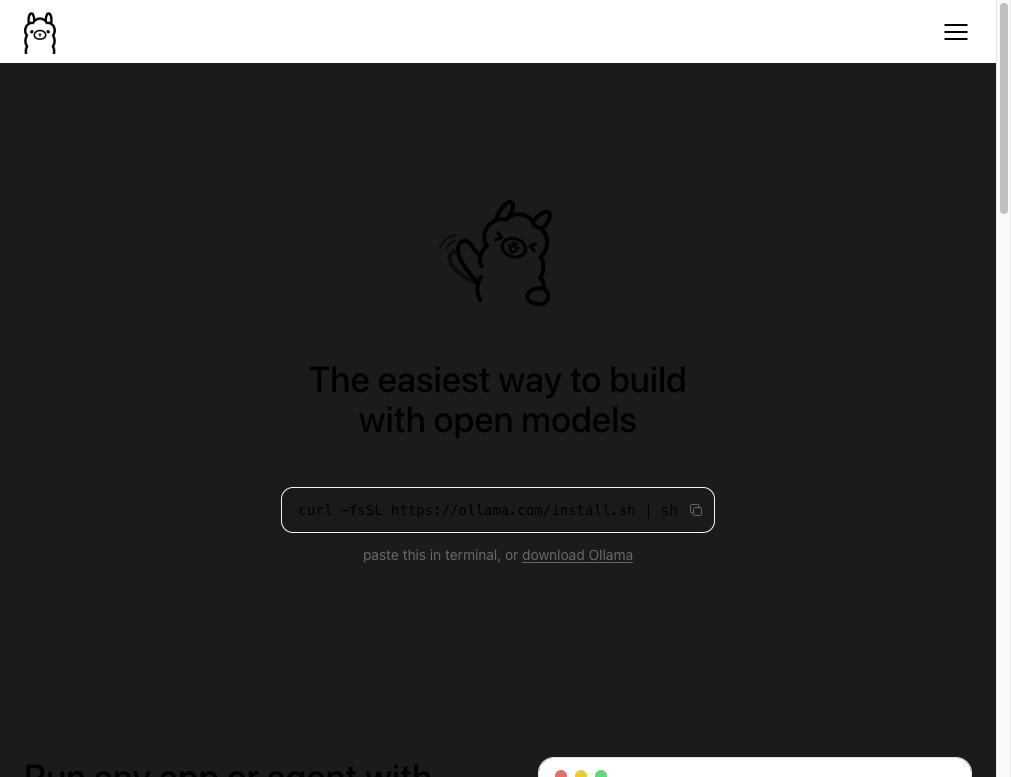
Ollama makes running local AI models as easy as installing an app. One command downloads and runs models like Llama 3, Mistral, and Phi. It works on Mac, Windows, and Linux. Pair it with Open WebUI for a ChatGPT-like experience — completely offline and private.
Best for Image Generation: Stable Diffusion + ComfyUI
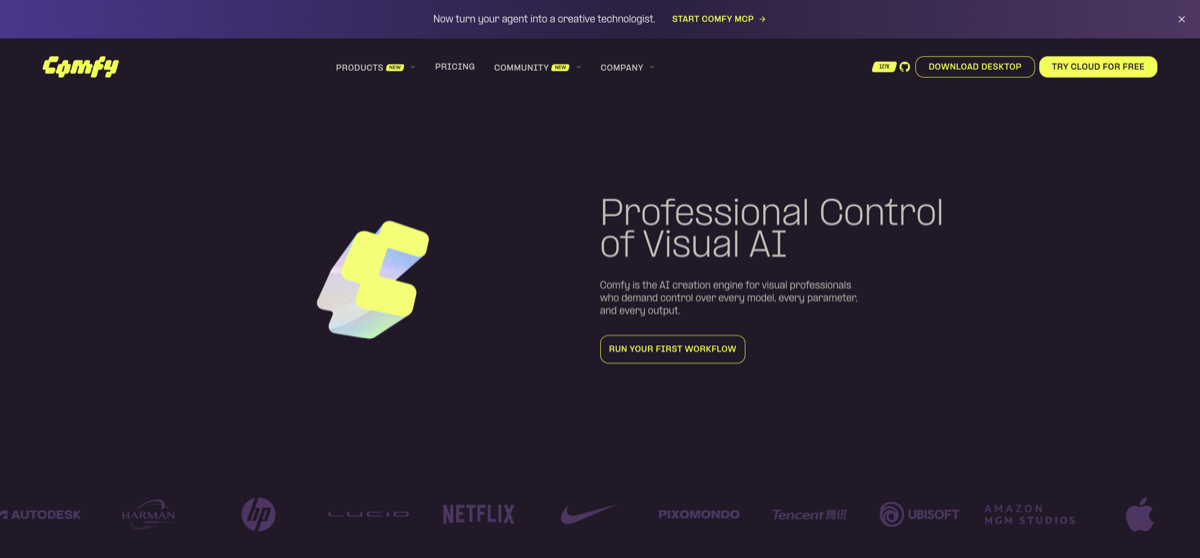
Stable Diffusion generates images rivaling Midjourney — for free, on your own GPU. ComfyUI adds a powerful node-based workflow that lets you fine-tune every aspect of generation. With custom models from Civitai, you can create any style imaginable.
Best for Audio: Whisper
OpenAI's Whisper is the best open source speech-to-text model. It transcribes audio in 100+ languages with near-human accuracy. Run it locally for free transcription — no API costs, no data leaving your computer.
Best for Developers: LangChain
LangChain is the leading framework for building AI applications. Connect local or cloud models, build RAG systems, create AI agents, and chain multiple AI operations together. It's the backbone of most custom AI applications.
Getting Started with Local AI
Setup guide:
- Install Ollama: Visit ollama.com and download for your OS
- Pull a model: Run "ollama pull llama3" in your terminal
- Chat locally: Run "ollama run llama3" for instant AI chat
- Add a UI: Install Open WebUI for a browser-based ChatGPT alternative
- Try image gen: Install ComfyUI + Stable Diffusion for local image generation
FAQ
- Are open source AI models as good as ChatGPT?
- For many tasks, yes. Llama 3 and Mistral rival commercial frontier models in many benchmarks. They may lack some polish of commercial tools but are constantly improving.
- What hardware do I need?
- A Mac with 16GB RAM or a PC with an 8GB+ VRAM GPU handles most local AI models well. Even 8GB RAM Macs can run smaller models.
Related Tools
Related Articles
Get the AI tools newsletter
Weekly picks: new tools, comparisons and buying notes. No spam, unsubscribe anytime.