Captions
An AI short-video creation tool with auto captions, dubbing and avatar talking-heads.
Last updated by editors:
Our review
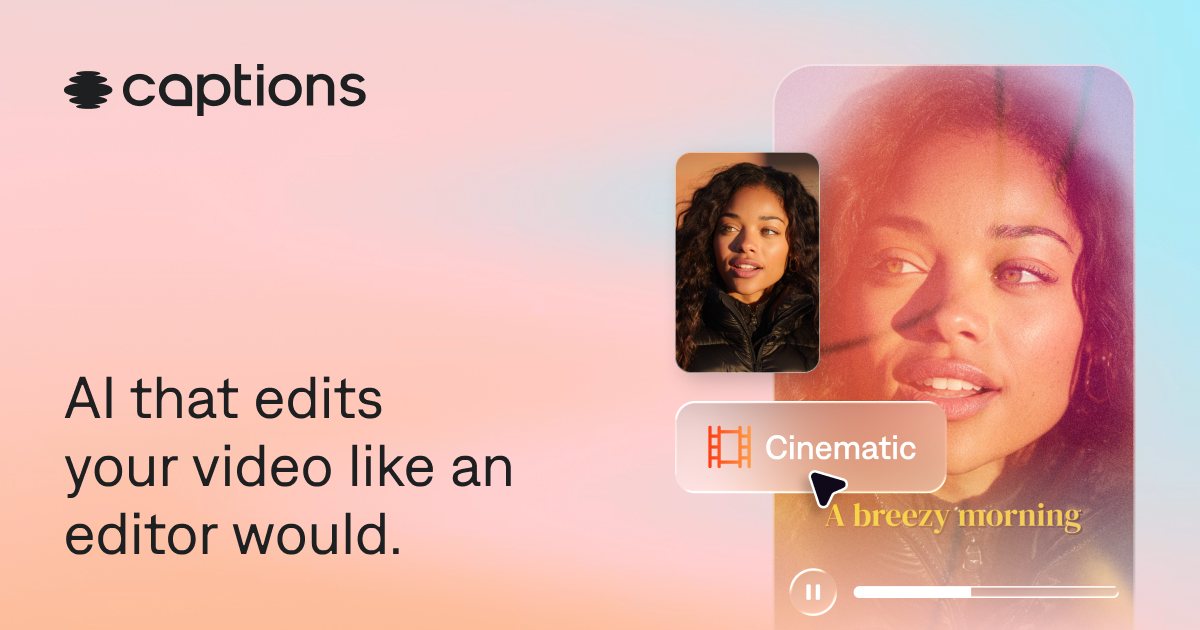
Captions is an AI short-video studio that bundles auto-captions, dubbing and avatar talking-heads into one mobile-first app. It's fast to pick up and built for people who need to ship social clips quickly rather than edit in a full desktop suite. Its published tiers are iOS in-app prices (Max $24.99/mo, Frontier from $69.99/mo); web pricing was not verified in this check.
It leans heavily toward short vertical video, gates its best features behind a subscription, and the AI avatars still look a little synthetic. But if the job is 'make a captioned, voiced short on my phone in minutes,' Captions compresses that workflow better than most.
Pros
Cons
Key features
Best for
Who it's not for
Limits to plan for
- 定位短视频,长片能力有限
- 高级功能需订阅
- 数字人真实感有限
- 已核对的套餐价是 iOS 订阅价,Web 端价格未核对
FAQ
What is Captions?
An AI short-video creation tool with auto captions, dubbing and avatar talking-heads.
What are the pros and cons of Captions?
Pros: Auto captions, Avatar talking-head, Fast to use, Mobile-first. Cons: Short-video focused, Advanced is paid, Realism has limits.
How much does Captions cost?
Free: Free; Max: $24.99/mo; Frontier: from $69.99/mo; Enterprise: Custom.
Who is Captions for?
Best for Short videos, Talking-heads, Captions, Social.
What are the alternatives to Captions?
Consider HeyGen, Descript, Pika.
Pricing
- • Watermark
- • No watermark and full features
- • iOS in-app price
- • Higher usage (2x $139.99 / 4x $279.99)
- • iOS in-app price
- • Custom volume and support
Similar tools
Matched automatically from category and tags, for comparison only.