Krisp
AI noise cancellation and meeting assistant — one click, works with every meeting app.
Last updated by editors:
Our review
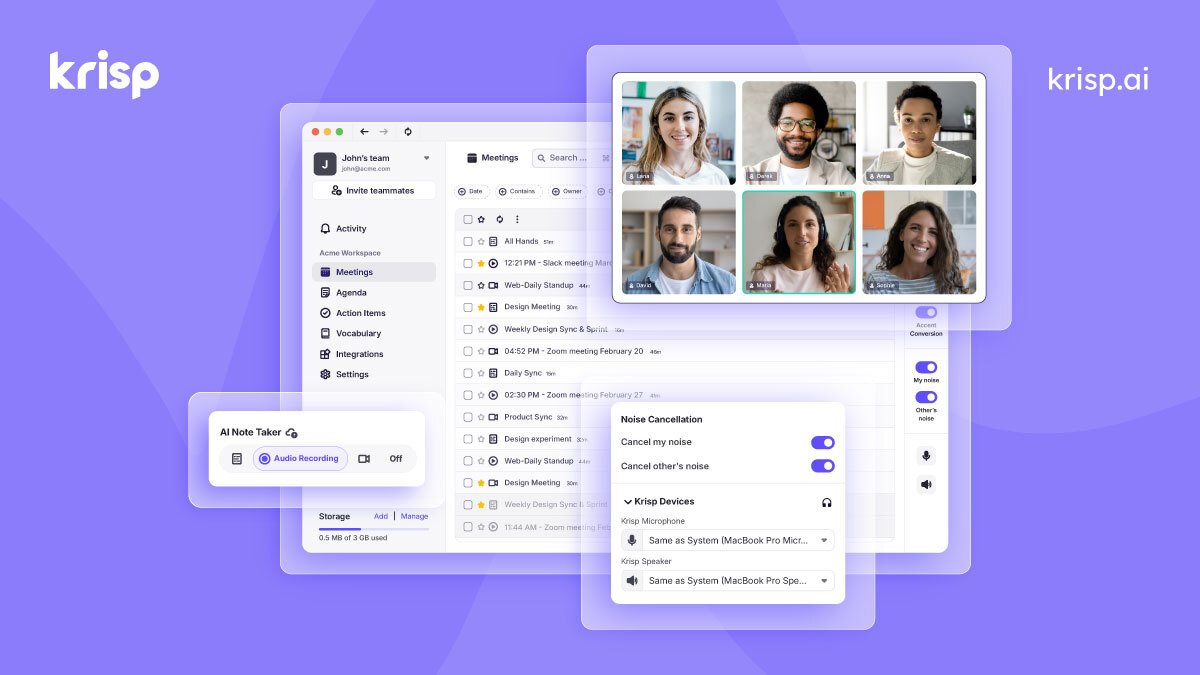
Krisp intercepts audio at the system level, removing keyboard clatter, barking dogs and background noise in real time — no integration needed with any meeting app — and adds accent conversion, meeting notes and transcription.
Heavy use requires a subscription, and its notes are shallower than dedicated meeting tools. But for making every call clean and clear, Krisp is almost invisibly good.
Pros
Cons
Key features
Best for
Who it's not for
Limits to plan for
- 免费版有降噪时长限制
- 纪要能力偏基础
- 常驻后台占用系统资源
FAQ
What is Krisp?
AI noise cancellation and meeting assistant — one click, works with every meeting app.
What are the pros and cons of Krisp?
Pros: Best-in-class noise removal, Works with any meeting app, System-level and seamless, Notes included. Cons: Free minutes limited, Basic notes, Some resource usage.
How much does Krisp cost?
Free: Free; Pro: from $8/mo.
Who is Krisp for?
Best for Remote meetings, Calls in noisy places, Call centers, Podcast recording.
What are the alternatives to Krisp?
Consider Otter.ai, Fireflies.ai, Granola.
Pricing
- • Daily noise-free minutes
- • Basic transcription
- • Unlimited cancellation
- • Meeting notes
- • Recording download
Similar tools
Matched automatically from category and tags, for comparison only.