Best AI Grammar Checkers in 2026: Compared
We compared the best AI grammar checkers for accuracy, features, and value. Compare Grammarly, ChatGPT, Claude, and more.
Short answer
Grammarly (free / $12/mo, our editorial rating: 4.8/5) remains the gold standard for real-time checking — its browser extension works across every app you type in. ChatGPT (free / $20/mo, 4.5/5) is best for full-document review that also catches structural problems and awkward phrasing, Claude (free / $20/mo, 4.6/5) excels at style and tone refinement without losing your meaning, and DeepSeek (free, 4.3/5) offers unlimited free checking that explains each correction — especially helpful for non-native English speakers.
AI grammar checkers have evolved far beyond simple spell-check. Modern tools can detect tone, suggest rewrites, and improve clarity — not just fix commas. We compared the top options to find the best AI grammar checker for different needs.
Quick Comparison
| Tool | Best For | Price | Accuracy |
|---|---|---|---|
| Grammarly | Real-time writing assistance | Free / $12/mo | 4.8/5 |
| ChatGPT | Full document review | Free / $20/mo | 4.5/5 |
| Claude | Style & tone refinement | Free / $20/mo | 4.6/5 |
| DeepSeek | Free grammar checking | Free | 4.3/5 |
Scores are our editorial ratings (0–5), not user reviews.
1. Grammarly — Best Real-Time Grammar Checker
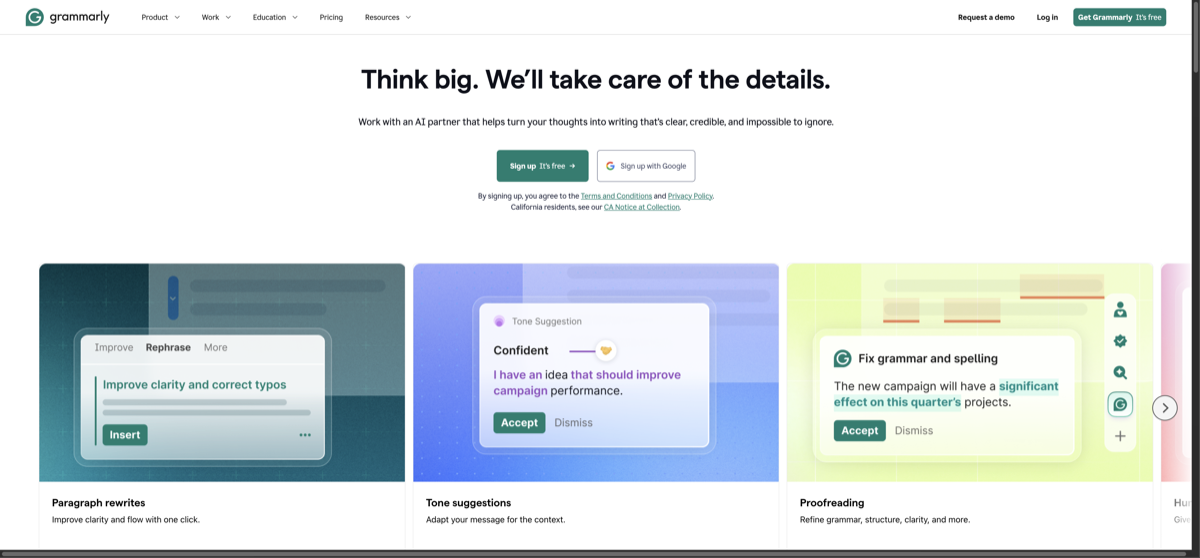
Grammarly remains the gold standard for real-time grammar checking. Its browser extension works everywhere — email, docs, social media — and catches errors as you type. Premium adds tone detection, clarity suggestions, and plagiarism checking. It's the only tool that works seamlessly across every app you use.
2. ChatGPT — Best for Full Document Review
Paste a full document into ChatGPT and ask it to proofread — it catches grammar issues plus structural problems, awkward phrasing, and inconsistencies that dedicated grammar tools miss. Best for reviewing longer pieces like blog posts, reports, or emails before sending.
3. Claude — Best for Style & Tone
Claude excels at refining writing style and tone. Ask it to make text more professional, casual, persuasive, or concise — and it delivers without losing your original meaning. Its suggestions feel more natural than other AI tools.
4. DeepSeek — Best Free Option
DeepSeek offers unlimited free grammar checking that rivals paid tools. Paste any text and get corrections with explanations. It's especially good for non-native English speakers because it explains why each correction is needed.
When to use each tool:
- Daily writing (email, Slack) → Grammarly (always-on in browser)
- Blog posts & articles → ChatGPT (full document review)
- Professional documents → Claude (tone & style refinement)
- Quick checks on a budget → DeepSeek (free, unlimited)
FAQ
- Is Grammarly still worth paying for?
- Yes, for its browser integration alone. No other tool works across every app you use in real time. ChatGPT and Claude are better for reviewing completed documents.
- Can AI grammar checkers replace human editors?
- For basic grammar, yes. For nuanced editing on published content, human editors still catch things AI misses — especially factual accuracy and logical flow.
Related Tools
Related Articles
Get the AI tools newsletter
Weekly picks: new tools, comparisons and buying notes. No spam, unsubscribe anytime.