Best AI Productivity Tools: What Each One Actually Saves
Productivity AI sorted by the task it removes, with prices and the point where each tool stops paying for itself.


Short answer
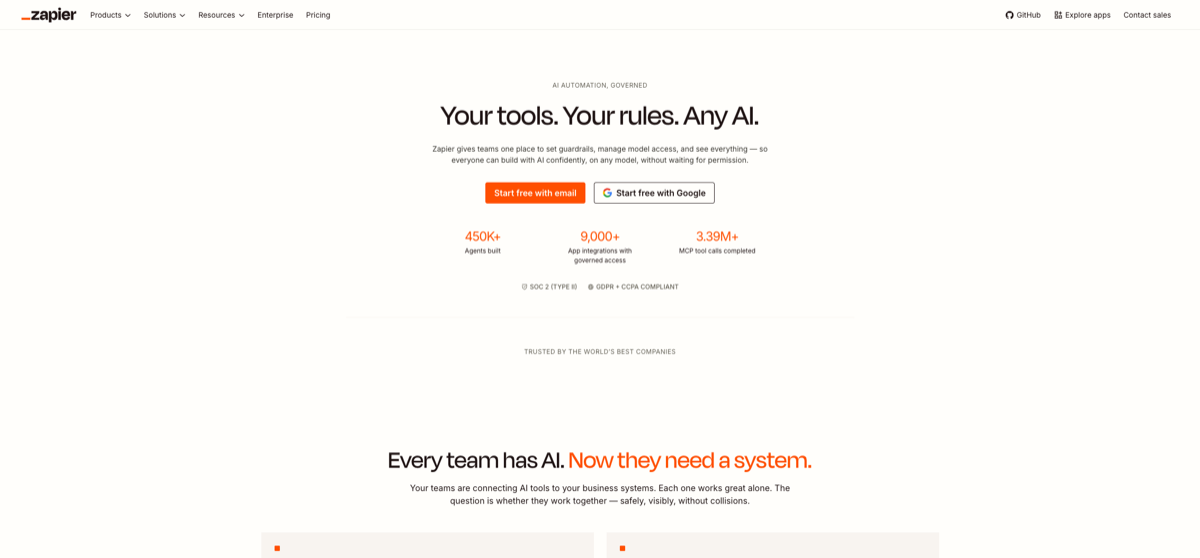
Four jobs, four different tools, and they are not interchangeable: answering questions and drafting (ChatGPT, free or $20/mo), keeping notes and documents searchable (Notion AI, Business tier $20/user/mo billed annually for full AI), working inside Word, Excel and Outlook (Microsoft Copilot, $20/mo for Pro), and removing the manual steps between apps (Zapier, free with Pro from $19.99/mo). Scheduling and email tools — Motion from $19/mo and Superhuman from $30/mo — only pay off if your calendar or inbox is the actual bottleneck. Full stack for one person runs from $30 to $90/mo, so start with ChatGPT alone and add the next tool only when you can name the task it removes.
Productivity is a category name, not a job. These tools do not compete with each other — each removes a specific piece of manual work, and the right question is which piece you are currently doing by hand.
Start from the task, not the tool. If the work is writing and thinking through a question, ChatGPT at $20/mo for Plus covers it and the free tier is a real trial. If the work is finding something you wrote six months ago, the tool has to sit inside your notes: Notion AI does that for $20/user/mo on the Business tier, billed annually, and the annual commitment is the catch. If the work happens inside Microsoft Office documents, Microsoft Copilot is the only one of these that lives there, at $20/mo for Pro or $30/user/mo for M365 Copilot, which is a different product at a different price.
| Tool | Removes | Entry price | Watch out for |
|---|---|---|---|
| ChatGPT | Drafting and answering questions | Free / $20/mo Plus | Free tier caps models and usage |
| Notion AI | Hunting for your own past documents | $20/user/mo Business billed annually | Full AI starts at Business; Plus is a trial |
| Microsoft Copilot | Work inside Word, Excel, Outlook | $20/mo Pro ($30/user/mo M365) | Pro and M365 Copilot are different products |
| Zapier | Copy-pasting between apps | Free / from $19.99/mo Pro | Task-based pricing rises with volume |
| Motion | Deciding what to do next | from $19/mo Individual (annual) | Only helps if scheduling is the bottleneck |
| Superhuman | Time spent in email | from $30/mo Starter | Only helps if the inbox is the bottleneck |
Two honest caveats. First, several of these cost more per month than the time they save if you use them occasionally — Superhuman at $30/mo starts paying only for people who live in email. Second, ChatGPT's free tier limits both which models you get and how much you can send, and some regions need extra network setup to reach it at all, so a "free" plan is not always an option for a whole team.
A sensible order of adoption:
- One general assistant, paid, for the writing and thinking you already do
- Search inside your own notes, once you have enough notes to lose track of
- Office integration, only if the deliverable must stay in Word or Excel
- Automation last, because it is the one that needs a process to exist first
Frequently asked questions
- Which single AI productivity tool should I pay for first?
- ChatGPT Plus at $20/mo, because drafting and answering questions is the work most people do most often. Add the others only when you can name the task they remove.
- Is Notion AI worth it?
- If you already keep your work in Notion and lose time finding old notes, yes. Full AI takes the Business tier at $20/user/mo billed annually, so it is a year-long commitment for the whole workspace.
- What is the difference between Copilot Pro and M365 Copilot?
- They are separate products at separate prices — Pro is $20/mo per person, M365 Copilot is $30/user/mo and is the one that reaches team-level Office data. Check which one your licence actually includes.
- How much does a full productivity stack cost?
- Two tools — a general assistant and a notes tool — come to about $30/mo. Adding an Office-integrated assistant, an automation platform and a scheduling tool takes the total to roughly $90/mo. Most people do not need more than two at once.
Related Tools

Related Articles
Get the AI tools newsletter
Weekly picks: new tools, comparisons and buying notes. No spam, unsubscribe anytime.