Motion
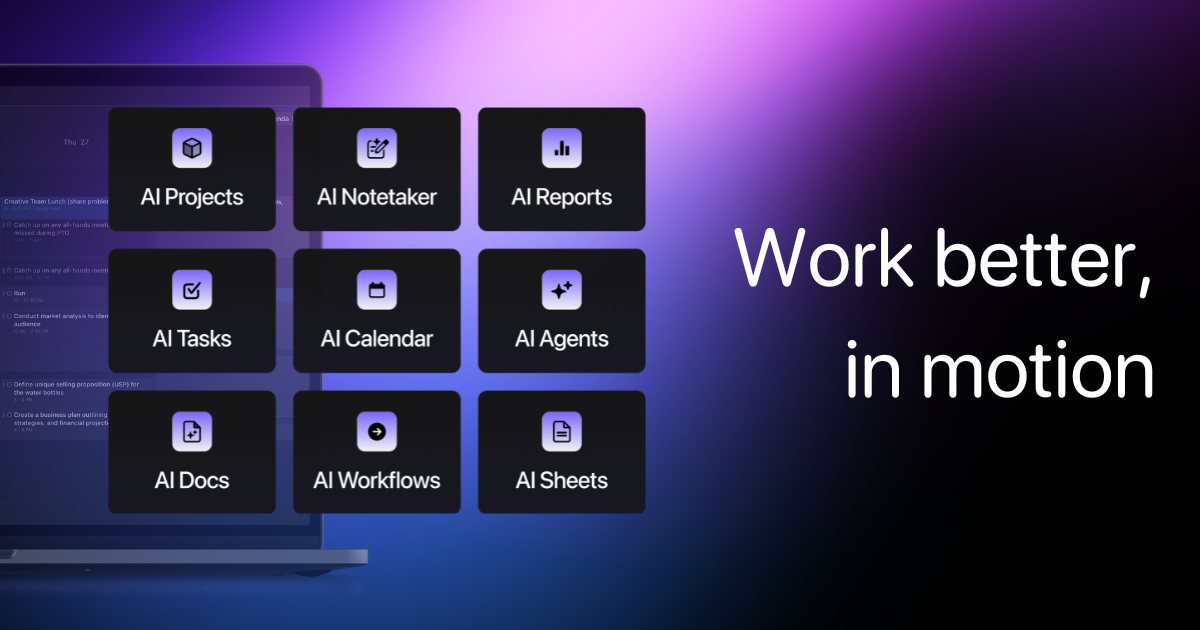
AI-scheduled calendar and project management: tasks auto-slot into your day.
Last updated by editors:
Our review
Motion's core is AI scheduling: give it tasks, meetings and deadlines and your calendar plans itself, re-shuffling in real time as things change — project management and personal calendar in one, made for fragmented schedules.
You have to learn to trust machine scheduling, pricing is on the high side, and mobile trails desktop. But once it clicks, its effect on procrastination and overload is real.
Pros
Cons
Key features
Best for
Who it's not for
Limits to plan for
- 价格偏高
- 需要一段适应期
- 移动端体验一般
FAQ
What is Motion?
AI-scheduled calendar and project management: tasks auto-slot into your day.
What are the pros and cons of Motion?
Pros: Hands-off scheduling, Real-time re-planning, Tasks and calendar unified, Focus time protection. Cons: Pricey, Adjustment period, Average mobile apps.
How much does Motion cost?
Individual: $19/mo (annual); Team: from $12/user/mo.
Who is Motion for?
Best for Overloaded schedules, Project timelines, Freelancers, Small teams.
What are the alternatives to Motion?
Consider Notion AI, Zapier, Superhuman.
Pricing
- • AI scheduling
- • Calendar + tasks
- • Habit protection
- • Project collaboration
- • Team scheduling
Similar tools
Matched automatically from category and tags, for comparison only.