AI Tools for Graphic Designers: Four Different Jobs
Generation, layout, editing and mockups are four separate jobs, and only one of them is what most AI art tools actually do.


Short answer
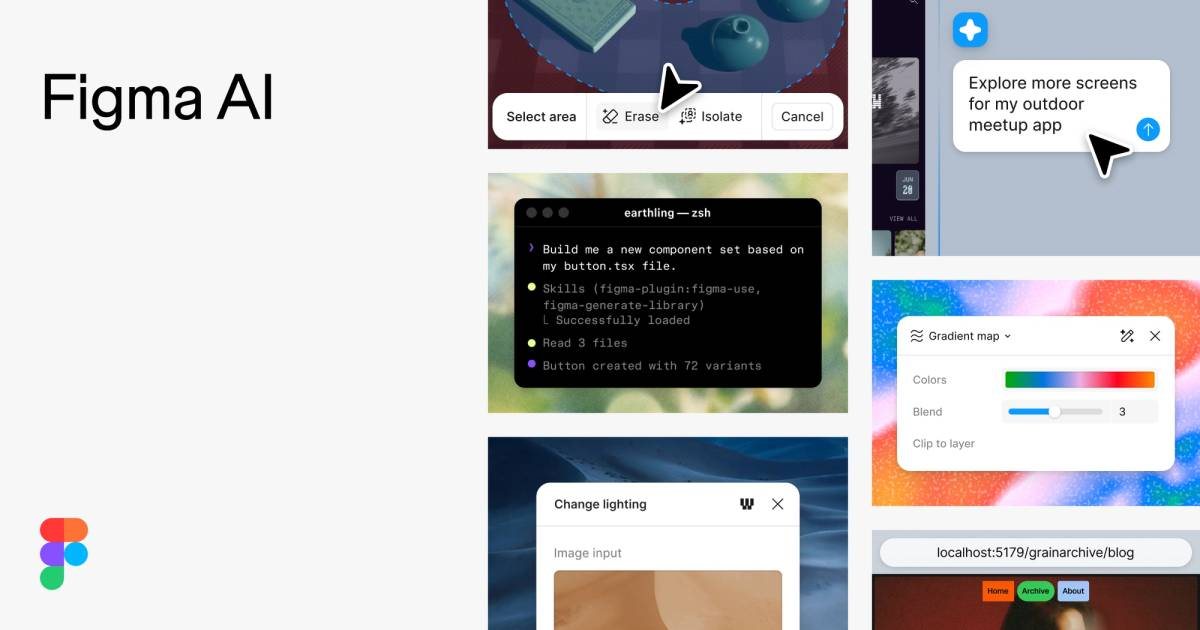
Four tools, four jobs that do not overlap. Canva (free, Pro $144/yr for the whole account, Business $250/user/yr) handles layout and templated production, with the caveat that advanced AI features and export options depend on the plan. Midjourney (Basic $10/mo, Standard $30/mo, Pro $60/mo, Mega $120/mo, no free tier) generates imagery, and its weak point is text rendered inside an image. Adobe Firefly (free, Standard $9.99/mo, Pro $19.99/mo) is aimed at editing and commercial-safety-conscious generation inside Adobe's tools. Figma AI (free, Pro $16/user/mo, Org $45/user/mo) is the only one of the four built around interface and product design rather than print or social assets.
"AI for design" describes four unrelated jobs. Generating an image, laying out a page, editing a photo and building a product mockup have different outputs, different failure modes and different prices — and treating them as one category is why designers try an image generator and conclude AI is not useful for their work. Our image category page ranks the generators; this page is about which job you are actually buying for.
Canva is the production tool: layouts, brand templates and the assets that ship every week, free to start with Pro at $144/yr covering the whole account rather than each seat, and Business at $250/user/yr. Its caveats are specific — advanced AI features sit behind a subscription and export options are limited by plan, so check what your output format needs before committing. Midjourney is the generator, and it is the one tool here with no free tier: Basic at $10/mo, Standard at $30/mo, Pro at $60/mo, Mega at $120/mo. It produces distinctive imagery and is notably weak at rendering text inside an image, so it is the wrong tool for anything typographic. Adobe Firefly is free to try with Standard at $9.99/mo and Pro at $19.99/mo, and its proposition is editing and generation inside Adobe's own tools rather than a standalone gallery. Figma AI covers the fourth job — interface and product design — free with Pro at $16/user/mo and Org at $45/user/mo.
| Tool | Job | Entry price | Known weakness |
|---|---|---|---|
| Canva | Layout and templated production | Free / $144/yr Pro (whole account) | Advanced AI and exports depend on plan |
| Midjourney | Image generation | $10/mo Basic — no free tier | Text rendered inside images is weak |
| Adobe Firefly | Editing and safe generation | Free / $9.99/mo Standard | Built around the Adobe ecosystem |
| Figma AI | Interface and product design | Free / $16/user/mo Pro | Not a print or social asset tool |
The two traps are both about expectations rather than features. The first is treating a generator as a design tool: Midjourney will give you an arresting image and a mangled headline, and no amount of prompting fixes the typography, because placing type is a different job done by Canva or Figma. The second is Canva's plan structure — the account-level Pro at $144/yr is genuinely good value for a team, but advanced AI and certain export formats need the right tier, so a designer who needs vector output should confirm that before the annual payment rather than after. Note also that Midjourney has no free tier at all, which makes it the one trial you cannot do without spending $10.
Match the tool to the deliverable:
- An image with no type in it → a generator
- A layout, a deck or a social template → a production tool
- Retouching or extending a photo → an editing tool
- A screen or product mockup → an interface design tool
Frequently asked questions
- Can AI design a complete graphic?
- It can generate the imagery and assist the layout, but the two are different tools. Text placed inside a generated image is usually unusable, so type belongs in Canva or Figma.
- Which AI image tool should a designer pay for?
- Midjourney for distinctive imagery, from $10/mo with no free tier to test it. Firefly from $9.99/mo if you work inside Adobe tools. Neither does layout.
- Is Canva good enough for professional design work?
- For templated production at volume, yes, and one Pro subscription at $144/yr covers the whole account. Check the export formats you need first, since advanced AI and some exports depend on the plan.
- Why is text in AI images so bad?
- Because rendering legible type is a different problem from rendering a scene, and generators are optimised for the latter. Put the headline in a layout tool instead of fighting the model.
Related Tools
Related Articles
Get the AI tools newsletter
Weekly picks: new tools, comparisons and buying notes. No spam, unsubscribe anytime.