Figma AI
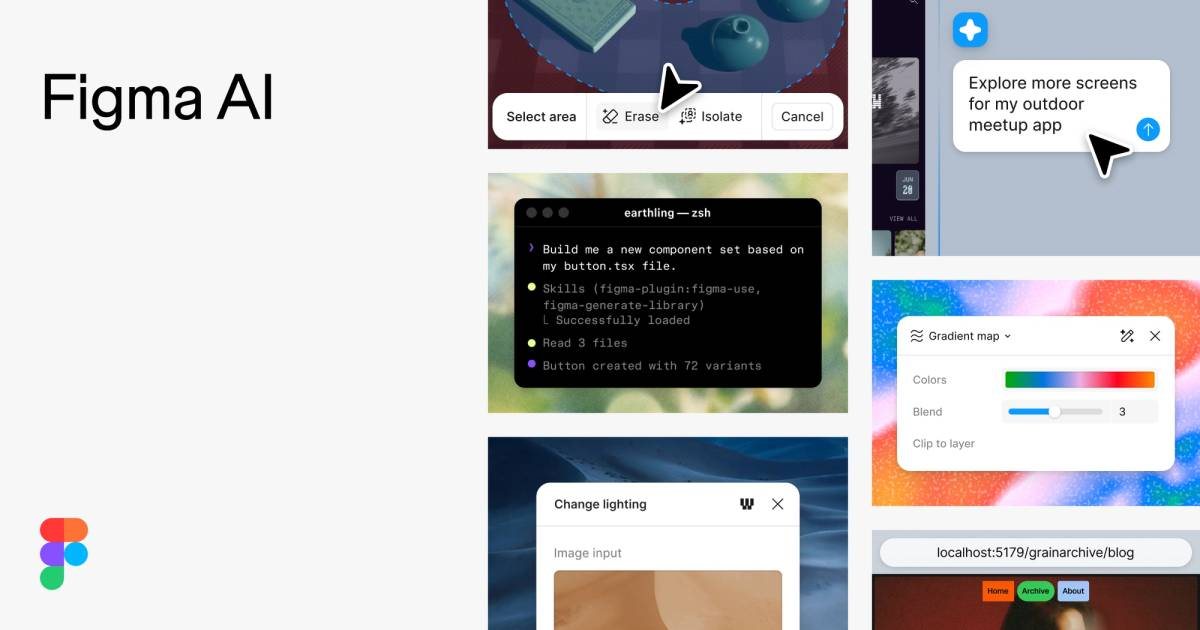
Figma's AI features (incl. Make) that generate designs and interactive prototypes from prompts.
Last updated by editors:
Our review
Figma AI (including Make) brings AI generation into a professional design ecosystem — produce designs and interactive prototypes from prompts, with team collaboration and rich plugins covering idea to prototype.
AI features are still evolving, it leans professional, and there's a learning curve; but if you already design in Figma, its AI is an in-place boost rather than a separate tool to adopt.
Pros
Cons
Key features
Best for
Who it's not for
Limits to plan for
- AI 能力仍在演进,产出需人工整理
- 依赖 Figma 文件与团队权限
- 生成原型不等于可交付前端代码
FAQ
What is Figma AI?
Figma's AI features (incl. Make) that generate designs and interactive prototypes from prompts.
What are the pros and cons of Figma AI?
Pros: Pro design ecosystem, AI prototype generation, Team collaboration, Rich plugins. Cons: AI features evolving, Professional-leaning, Learning curve.
How much does Figma AI cost?
Free: Free; Pro: $16/user/mo; Org: $45/user/mo.
Who is Figma AI for?
Best for UI design, Prototypes, Team collaboration, Design systems.
What are the alternatives to Figma AI?
Consider Framer, v0, Canva.
Pricing
- • Basic design
- • AI features
- • Unlimited files
- • Enterprise
- • Design systems
Similar tools
Matched automatically from category and tags, for comparison only.