Framer
A design tool that generates and publishes responsive websites quickly with AI.
Last updated by editors:
Our review
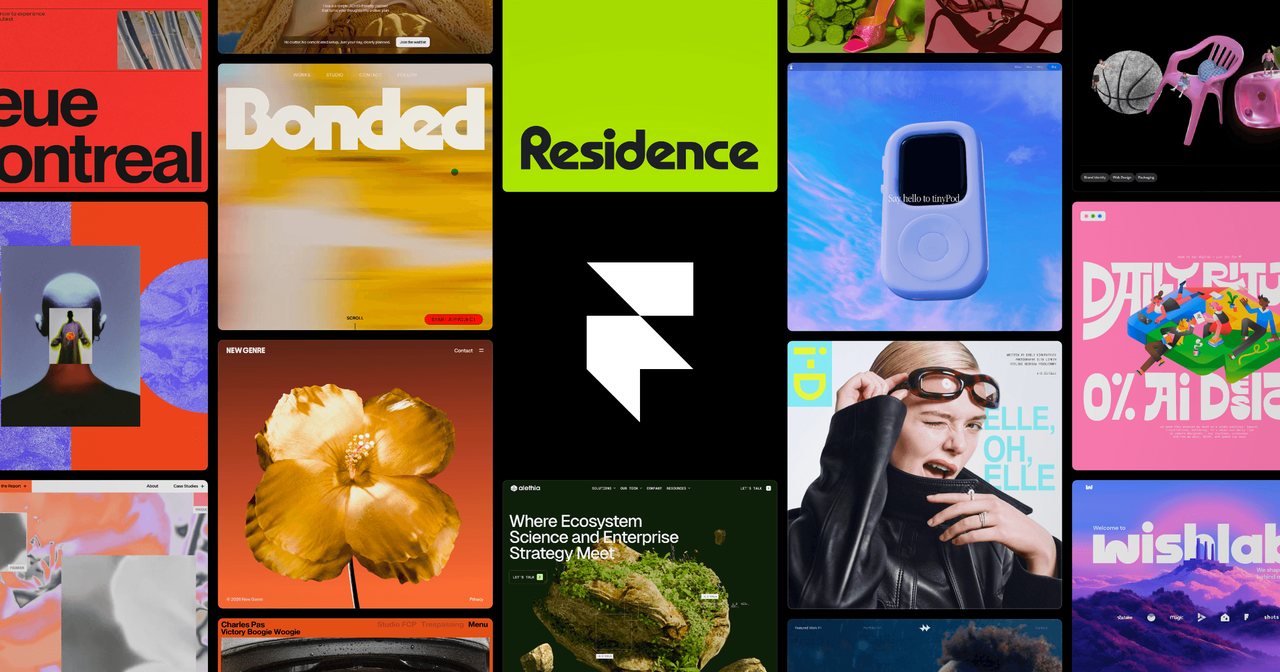
Framer uses AI to quickly generate and publish responsive websites — design-is-publish, strong motion, no code — great for designers and individuals to ship beautiful sites fast.
Complex logic is limited, SEO needs configuring, and advanced features are paid; but if you want a site that's pretty, animated and instantly publishable, Framer shrinks the distance from design to live.
Pros
Cons
Key features
Best for
Who it's not for
Limits to plan for
- 复杂交互与逻辑能力有限
- SEO 需手动配置
- 站点绑定 Framer 平台,迁移成本高
FAQ
What is Framer?
A design tool that generates and publishes responsive websites quickly with AI.
What are the pros and cons of Framer?
Pros: Design-to-publish, AI site generation, Strong animation, No code. Cons: Limited complex logic, SEO needs setup, Advanced is paid.
How much does Framer cost?
Free: Free; Basic: $10/mo; Pro: $30/mo.
Who is Framer for?
Best for Marketing sites, Portfolios, Landing pages, Prototypes.
What are the alternatives to Framer?
Consider Webflow, v0, Canva.
Pricing
- • Basic site
- • Custom domain
- • CMS
- • More pages
- • Collaboration
Rating
Similar tools
Matched automatically from category and tags, for comparison only.