Webflow
Visual website builder for designers, with AI capabilities for quickly generating pages and layouts.
Last updated by editors:
Our review
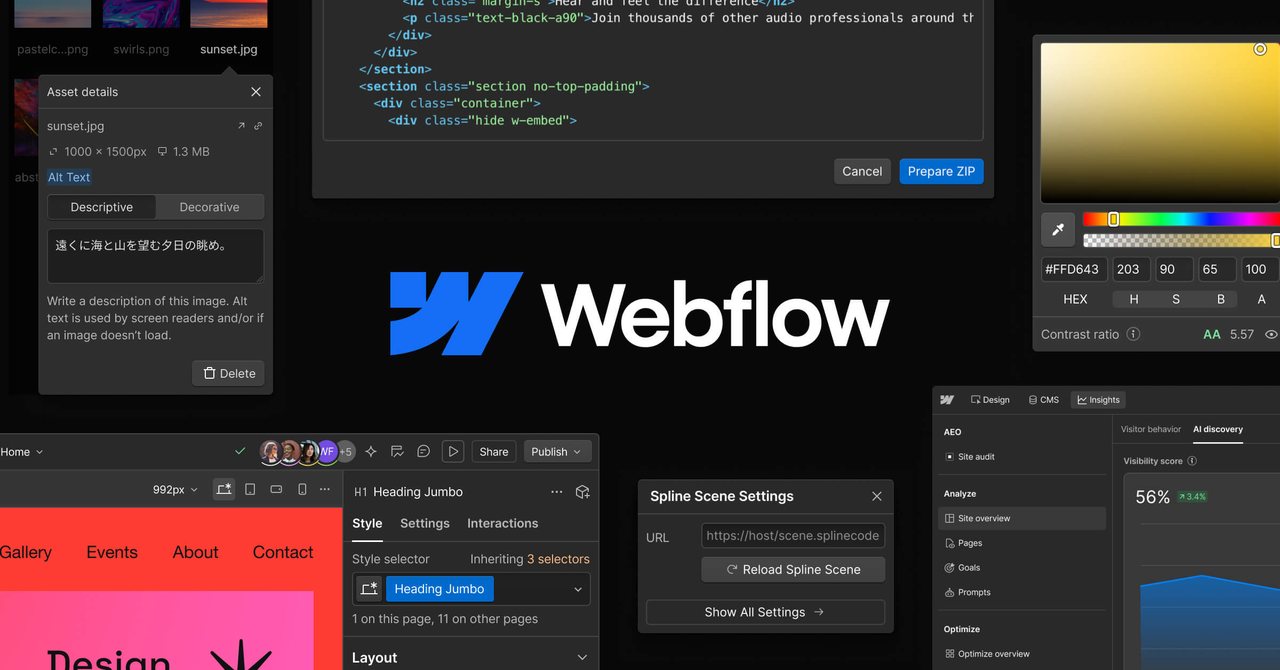
Webflow is a visual website platform for designers and teams: a visual canvas that outputs clean production code, with built-in hosting and a CMS. Its AI features can generate page structure, copy and imagery from a prompt, lowering the bar from design to launch.
Compared with rivals like Framer, Webflow's CMS and ecosystem are more mature; but it's a no-code/low-code route, best suited to design-driven sites that need content management.
Pros
Cons
Key features
Best for
Who it's not for
Limits to plan for
- 学习曲线陡
- 价格不低
- 站点绑定平台,迁移成本高
FAQ
What is Webflow?
Visual website builder for designers, with AI capabilities for quickly generating pages and layouts.
What are the pros and cons of Webflow?
Pros: Visual building, High-quality code, Mature CMS, AI assistance. Cons: Learning curve, Not cheap, Platform lock-in.
How much does Webflow cost?
Free: Free; Site: From $14/mo; Enterprise: Contact sales.
Who is Webflow for?
Best for Landing pages, Marketing sites, Portfolios, No-code building.
What are the alternatives to Webflow?
Consider Framer, Bolt, v0, Lovable.
Pricing
- • Basic site
- • Limited pages
- • Custom domain
- • CMS
- • Advanced features
- • Support
Rating
Similar tools
Matched automatically from category and tags, for comparison only.