Napkin AI
Turn text into editable diagrams and visuals in one click — a gift for presentations.
Last updated by editors:
Our review
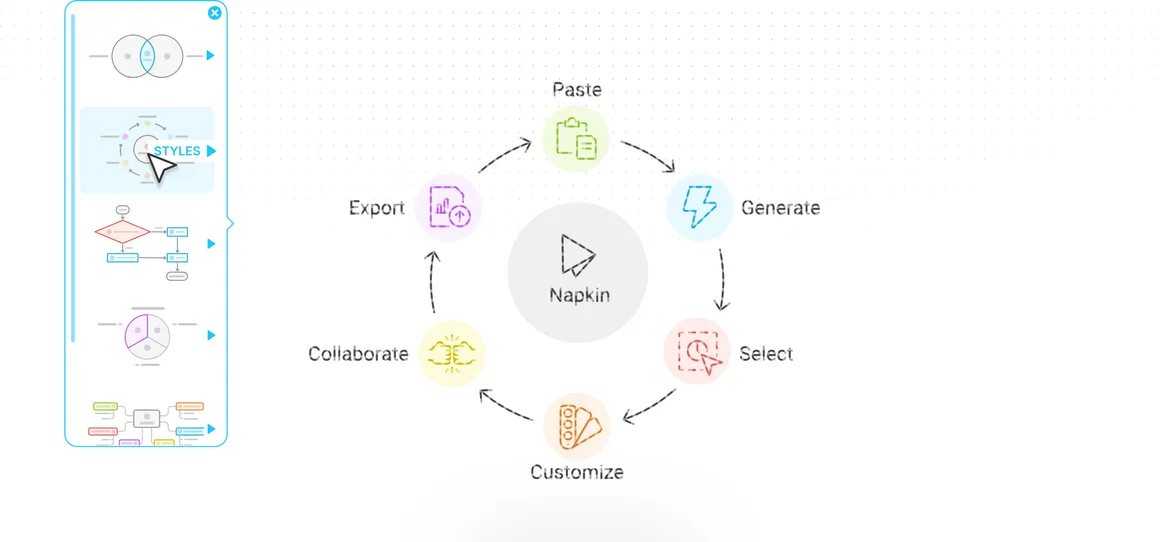
Napkin fixes the 'great point, no visual' problem: paste a paragraph and it generates multiple editable visual options — flowcharts, comparisons, timelines — in a clean style, ready to export for slides, blogs and social posts.
It works best with English input and complex data visualization isn't the goal. The product is still free during its current phase, so anyone making decks or content visuals has little reason not to try it.
Pros
Cons
Key features
Best for
Who it's not for
Limits to plan for
- 英文文本效果最佳
- 数据图表能力有限
- 样式可控性一般
FAQ
What is Napkin AI?
Turn text into editable diagrams and visuals in one click — a gift for presentations.
What are the pros and cons of Napkin AI?
Pros: Text to diagram in seconds, Professional clean styles, Editable and exportable, Currently free. Cons: Best in English, Limited data charts, Modest style control.
How much does Napkin AI cost?
Starter: Free; Professional: Free for now.
Who is Napkin AI for?
Best for Presentation visuals, Blog illustrations, Concept visualization, Social cards.
What are the alternatives to Napkin AI?
Consider Gamma, Canva, Figma AI.
Pricing
- • Core generation
- • Common exports
- • Unlimited generation
- • Advanced styles
Rating
Similar tools
Matched automatically from category and tags, for comparison only.